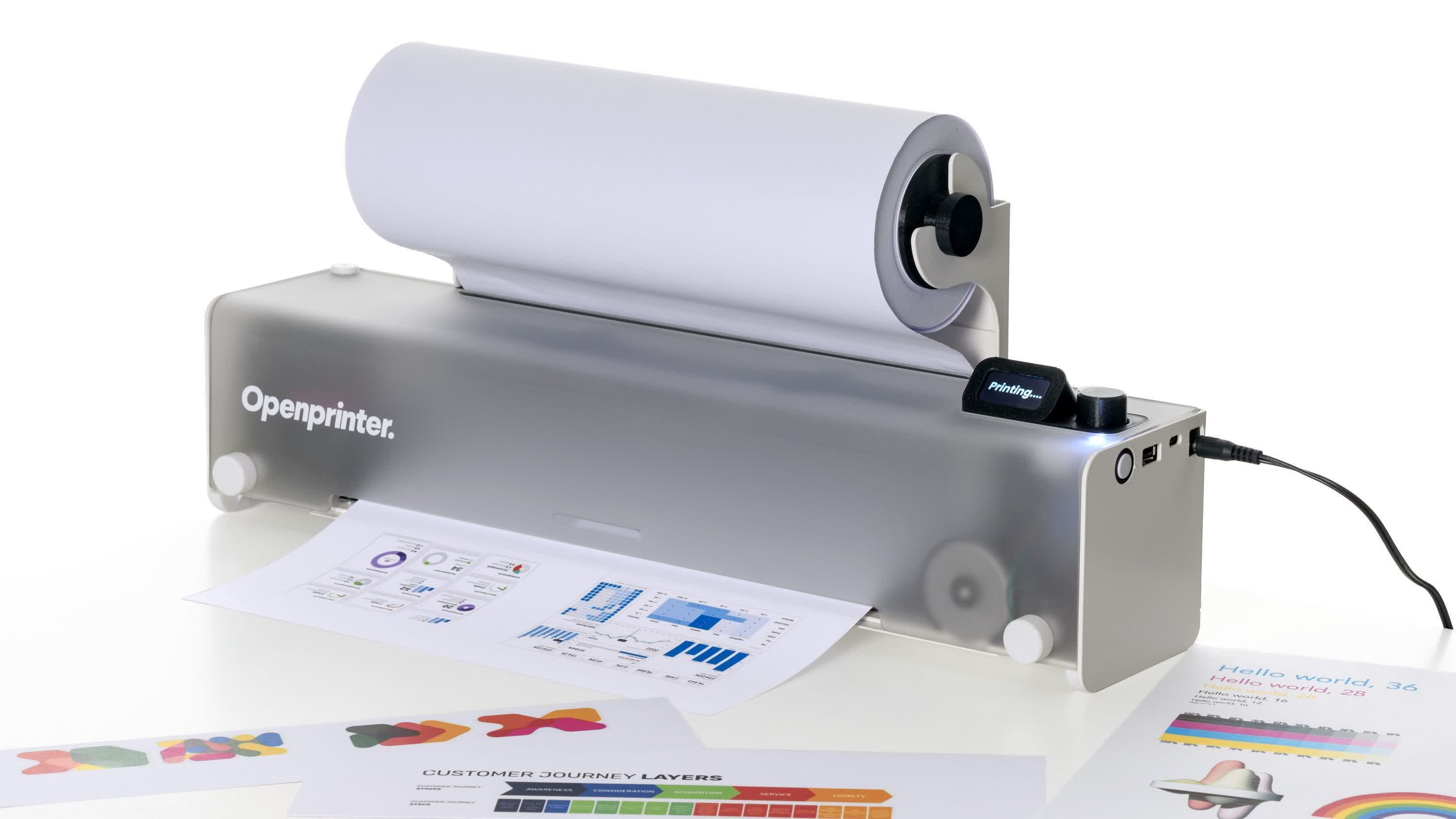
It's been many years since printing from a PC involved little more than buying a printer and some ink, then purchasing extra cartridges when needed. Today, the...
I don’t know about brother anymore. I have one I bought because it would work with 3rd party ink. I updated the firmware and am now locked out from using anything but brother. I would up finding a hack to get it to stop checking the ink level, so I can at least print, but it’s a temporary fix (have had to do it a few times), and it makes it unable to tell me how much ink is left. No big deal, I just run the cartridges dry, but it’s less functional than when I bought it…
Nutshell, I used to trust bother, not anymore so an open option is a big desire of mine. If this is halfway decent, I’ll pick one up.
Will a factory reset get rid of the firmware update(s) on your model? It’s not guaranteed but sometimes that will get you back to where you started.
If it does, all that’s left to do is to completely close down any automatic update path (network access to internet, cable access to internet-connected PC, whatever applies to your situation). Yes, you can turn off automatic updates in settings, but on newer models especially that’s not the guarantee it once was, esp on Windows machines with bidirectional printing features enabled: Windows will force update the printer itself. Anymore I set all my printers to wireless and then block them by MAC address at the firewall.
No, I think I can downgrade it, I need to find an older version of the firmware as they don’t have it available anymore. I think I need a 2024 version.
I do have auto updates turned off, I should just block it at the router.


I don’t know about brother anymore. I have one I bought because it would work with 3rd party ink. I updated the firmware and am now locked out from using anything but brother. I would up finding a hack to get it to stop checking the ink level, so I can at least print, but it’s a temporary fix (have had to do it a few times), and it makes it unable to tell me how much ink is left. No big deal, I just run the cartridges dry, but it’s less functional than when I bought it…
Nutshell, I used to trust bother, not anymore so an open option is a big desire of mine. If this is halfway decent, I’ll pick one up.
Will a factory reset get rid of the firmware update(s) on your model? It’s not guaranteed but sometimes that will get you back to where you started.
If it does, all that’s left to do is to completely close down any automatic update path (network access to internet, cable access to internet-connected PC, whatever applies to your situation). Yes, you can turn off automatic updates in settings, but on newer models especially that’s not the guarantee it once was, esp on Windows machines with bidirectional printing features enabled: Windows will force update the printer itself. Anymore I set all my printers to wireless and then block them by MAC address at the firewall.
No, I think I can downgrade it, I need to find an older version of the firmware as they don’t have it available anymore. I think I need a 2024 version.
I do have auto updates turned off, I should just block it at the router.
That should do the trick. Good luck.