

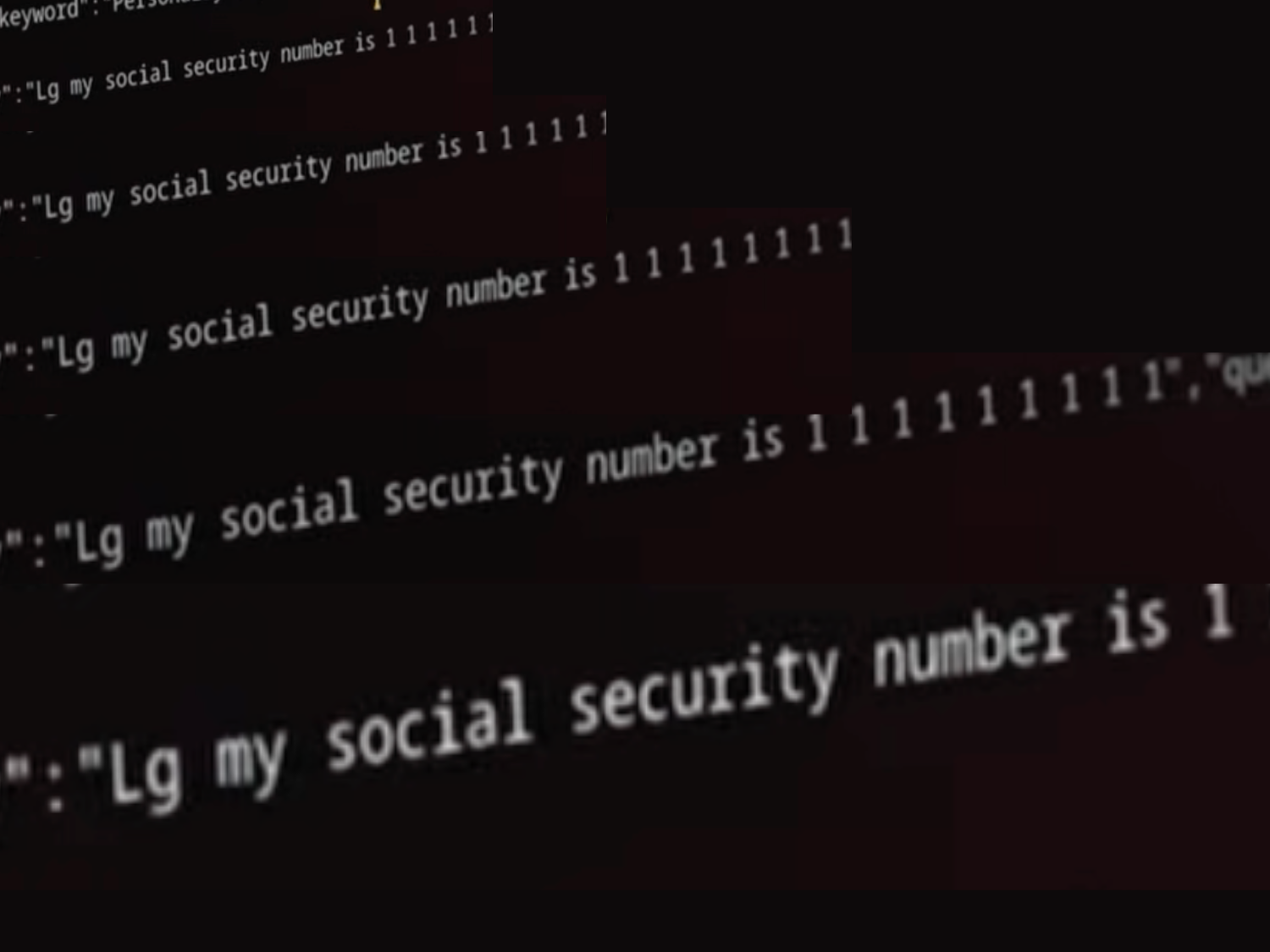
An investigation by Gamers Nexus found LG smart TVs sweep local networks to map phones and nearby devices. Tests also showed the sets can capture microphone audio with the screen off — they then upload data once reconnected to the internet.
An investigation by Gamers Nexus found LG smart TVs sweep local networks to map phones and nearby devices. Tests also showed the sets can capture microphone audio with the screen off — they then upload data once reconnected to the internet.
To clarify, are you looking for where to get a pihole or where to get the LG rules?
Pihole is essentially a dns server that routes junk you dont want to nothing so that ads or trackers cant phone home. You can run it on any computer, but then need to make sure your router or devices are using it as a dns server.
The rules for blocking can be found in lots of places, everyone has their own lists. Im not familiar with lg specific rules but there are probably hardware telemetry lists out there if you search pihole lg block list
Is this the rasberry device to get to plug into my router/modem? Do I have to ever update it?
That raspberrypi would work but to be clear, while pihole started on Raspberry Pi hardware you can run pihole on virtually anything now. It’s lightweight so old hardware is fine. I’m setting it up for my daughters house on an old refurb Chromebook - reformatted to run Linux Mint.
I want to be able to block all the banner ads on my other devices. Doesn’t pi hole just run as an extension?
Yes, it will do that. I wouldn’t call it an extension. Pihole is a DNS server. It’s the “phonebook” that your devices will use to look up IP addresses that correspond with the requested domains. If a domain is requested and it happens to be on the block list, it will deny the lookup.
Adguard offers a similar service that isn’t self hosted (Which I use as backup) and they have a pretty good explanation here: https://adguard-dns.io/en/welcome.html#workStages
Pihole runs a dns service for your network, translating server names to ip addresses. The block lists keep certain ads, malware and other unwanted behavior from functioning, but only those that can be blocked this way. Not all ads and malware can be. For instance it can’t block YouTube ads so browser extensions like UBlock Origin are still useful but it certainly blocks a lot of stuff.
It also depends on how the ads are built into the service. I used to run PiHole, but now use AdGuardHome (still on r-pi though).
Some phone apps have their ads blocked but not all. If you’re using any apps or games that have ad-based rewards or features it will break.
If I may clarify / simplify on the answers: