owiseedoubleyou@lemmy.ml to Technology@lemmy.worldEnglish · 2 days agoSkip today's Windows 11 update: it breaks cursor styling, resets wallpaper, and morewww.windowslatest.comexternal-linkmessage-square157fedilinkarrow-up1551arrow-down113
arrow-up1538arrow-down1external-linkSkip today's Windows 11 update: it breaks cursor styling, resets wallpaper, and morewww.windowslatest.comowiseedoubleyou@lemmy.ml to Technology@lemmy.worldEnglish · 2 days agomessage-square157fedilink
minus-squarerozodru@piefed.worldlinkfedilinkEnglisharrow-up1·1 day agoit literally took nothing. turned everything off on setup and that’s it. I don’t see one drive anywhere on the taskbar. there’s no pop ups, nothing. It is literally no where on my system. look for yourself:
minus-squareBlue_Morpho@lemmy.worldlinkfedilinkEnglisharrow-up2·14 hours agoAre you in the US? Because there was no way to disable Onedrive during install when I last installed Win11 about a year ago. This is Win11 Pro.
minus-squareBytemeister@lemmy.worldlinkfedilinkEnglisharrow-up1·edit-223 hours agoPowershell : Get-package *One*


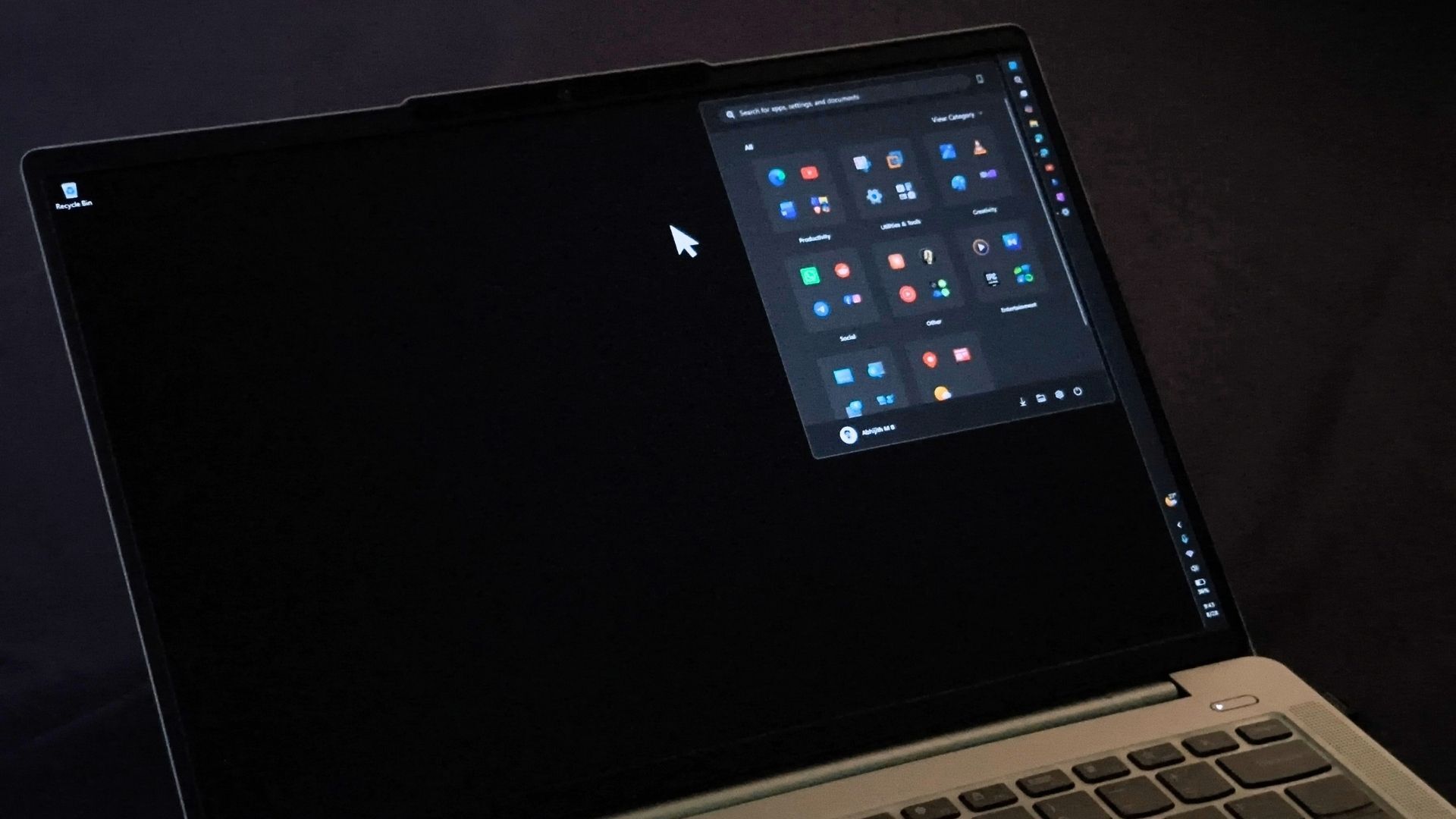
it literally took nothing. turned everything off on setup and that’s it. I don’t see one drive anywhere on the taskbar. there’s no pop ups, nothing. It is literally no where on my system. look for yourself:
Are you in the US? Because there was no way to disable Onedrive during install when I last installed Win11 about a year ago. This is Win11 Pro.
Powershell : Get-package *One*