

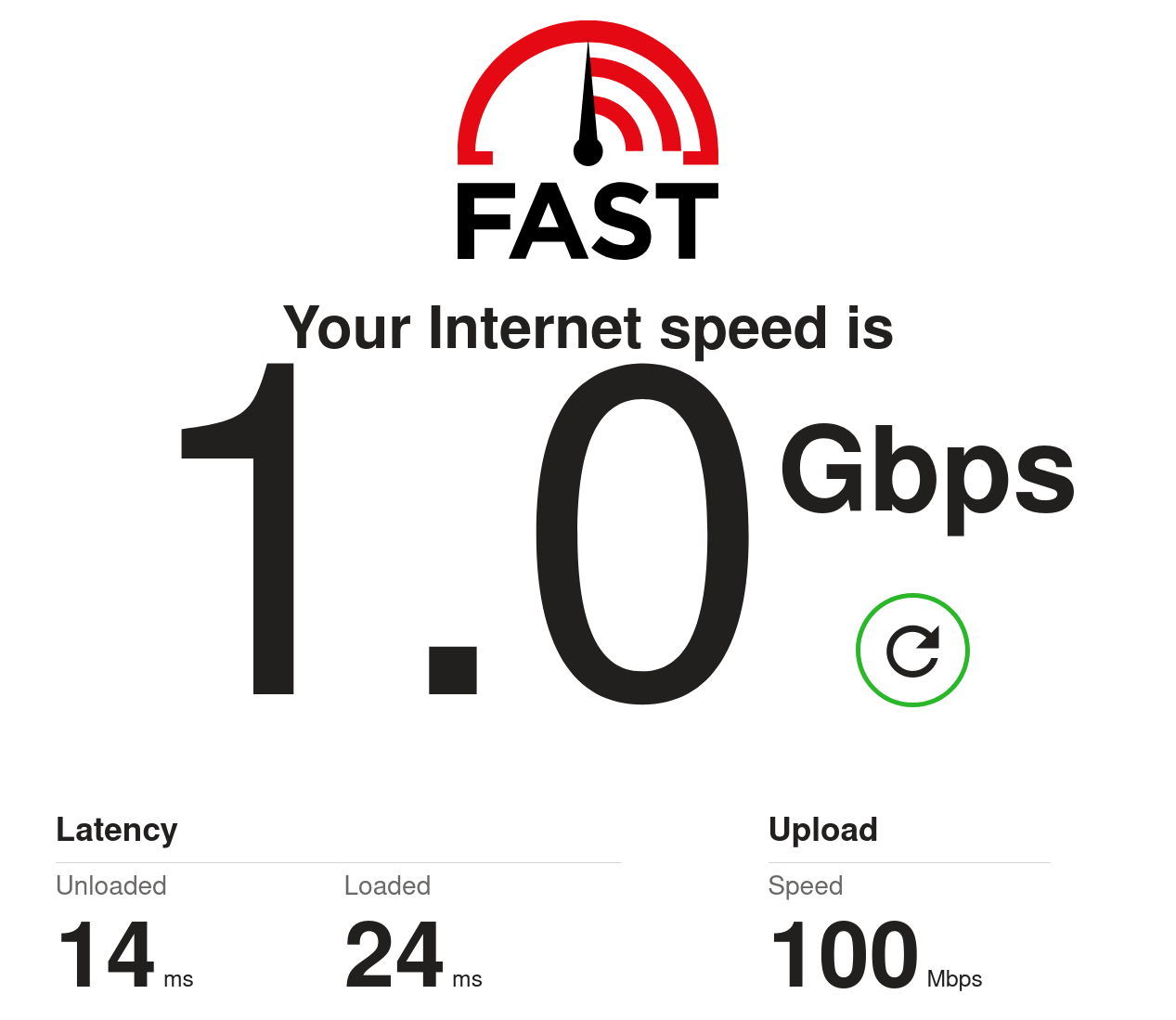
It’s not gigabit if you’ve got 110 Mbit/s upstream.
I actually agree with this. The lowest speed my fiber ISP offers is symmetrical 300 by 300 unless you qualify as a low-income individual and then you can get a 100 by 100 plan for cheaper than that.
Personally, I think that’s bullshit, and that anybody who wants to have the 100x100 plan should be able to have it without having to go through any kind of qualification step.
A gigabit connection means you can torrent your Linux ISOs in seconds. If it’s a symmetric connection, you can also backup your files up to the cloud without having to ship hard drives.
I get that there’s a relatively distilled Linux user base here in the Fediverse, but what percentage of that group really needs ISOs that quickly, and presumably, often?
Is this to suggest that we’d try more distros if we didn’t have to weigh the time needed to download them?
The cloud idea is better. It would be nice to be able to essentially quicksave to off-site before logging off for an extended period, or even periodically.
On the other hand, how many gigabytes does the average person need to back up on a regular basis? Even power users don’t generate that much data, and I’d expect that they’d have some kind of rolling backup that does files at a time.
We’re talking about “Linux ISOs” here. They often use the same distributed delivery networks as Linux ISOs to reduce the need for expensive file servers and prevent single points of failure.
I’ve just reinstalled Bazzite and about 10 games between Steam, GOG and Epic Store.
There absolutely is a point.
Also, if there are several people in the house using the internet at the same time (streaming, downloading, etc) the point becomes even clearer.
And thanks to DIGI, I pay €20/month for a 1 gigabit connection and 2 cellphones with unlimited data.
But how often do you do that? And do you need all 10 games instantly available on your PC?
I recently setup a new laptop on Fedora on a 150MBit connection. That was around 10min for downloading Fedora, 20min for installing it, another 20min or so for setting up Steam and Heroic launcher (for GOG, Epic and Amazon Games). I started the first game download on Steam while I was setting up Heroic and it was done downloading before I was done with Heroic.
Since I can only play one game at the time, I could already start playing and let the rest of my library download in the background.
A faster internet connection would have just shaved off a few minutes from the initial 10min downloading time for Fedora, but I don’t know how fast the server even lets me download the image.
I mean, if you pay €20 for gigabit, sure, why not. The only network provider who serves gigabit at my home wants €65 per month for it compared to the €30 I pay right now. That’s €420 per year extra, and there’s really no point in paying that to save a few minutes every few months or so.
And do you need all 10 games instantly available on your PC?
if it takes multiple hours, streaming services and video calls could be lagging while the download is going. it becomes more meaningful when you are not living alone
That’s where traffic priorisation comes in. If your router is setup in a somewhat reasonable way it gives priority to smaller data streams to avoid just that.
most routers are way too underpowered for that. you are happy if yours has 128 MB of RAM and 64 MB storage, and then you can imagine how is it with their CPU.
Actually, no. That’s a very simple basic functionality. A router needs to identify the streams (identified by the 5-tuple of source and destination IP and port and the protocol) to work at all. It also needs to prioritise traffic to work at all.
Combining both features is trivial even on 128mb RAM, and it’s implemented in most routers.
and what should the router do with traffic going to TCP port 443? because that’s most things going to the internet. it could be video streaming. it could be a video call. it could be someone scrolling unimportant shit on facebook. it could be any of your dozen IoT devices uploading telemetry to the manufacturer. it could be literally anything. you can’t meaningfully prioritize traffic based on just what service is it, you need to keep track of the recent usage of each connection, and that will cost CPU power.
The algorithm is super easy:
A stream is defined as something that shares the same Source IP, Target IP, Source port, Target port and protocol, so e.g. “TCP 192.168.0.2:45231 -> 80.0.0.1:443”. This 5-tuple is guaranteed to be unique at a certain time.
The router counts how many packets each stream had in the last second.
If the bandwith is at its limit and two streams want to send a packet, prioritize the one that had fewer packets in the last second.
This covers all of your bases:
- A huge download will have tons of packages and it will not have trouble if it gets its speed throttled by a few percent. Because it gets most of the slots it gets lowest priority.
- A video call will have medium traffic. It gets priority over the download, because it has less packets, thus it will not lag, but because it doesn’t need more traffic, it will not interrupt the download.
- Scrolling Facebook requires quite low traffic. Most of the content is text or pictures, with a rare, often short low-quality video with quite low traffic requirements. It will get priority over the video call, but since the traffic volume is so tiny it will not harm the video call, unless you have a severely slow connection (<50MBit).
- Telemetry has incredibly low traffic requirements. We are talking about a few kilobytes per hour. These will have high priority, but since they have such an incredibly tiny traffic footprint, that won’t do anything at all, unless you are on a 56k modem, but if you are you won’t be downloading, video calling or scrolling Facebook anyway.
The cool thing is, this algorithm needs extremely little space in RAM and is extremely easy on the CPU too. To store a stream’s data you need 13 bytes for the metadata plus 3 bytes for the package counter, netting 16 bytes per stream. That’s 64 concurrent streams per Kilobyte of used RAM. A megabyte fits 64k streams. You can implement that algorithm on an original Gameboy and it wouldn’t sweat.
Also, remember that this algorithm only looks at the last second or so of data, so it can drop all idle sessions within just one second. 64k concurrent streams within one second is enough for professional-grade office routers.
Source: I actually spent the first 7 years of my carreer at a company that makes routers and switches and developed the software for them. 128MB RAM was what our mid-range models had, and every single model we had had traffic priorisation.
In fact, our network-provider-grade routers and switches had dedicated network metadata RAM, and they were usually limited to 4-16MB.
The only reason your router even has 128MB RAM or more is so that it can display a fancy configuration web page with images.
