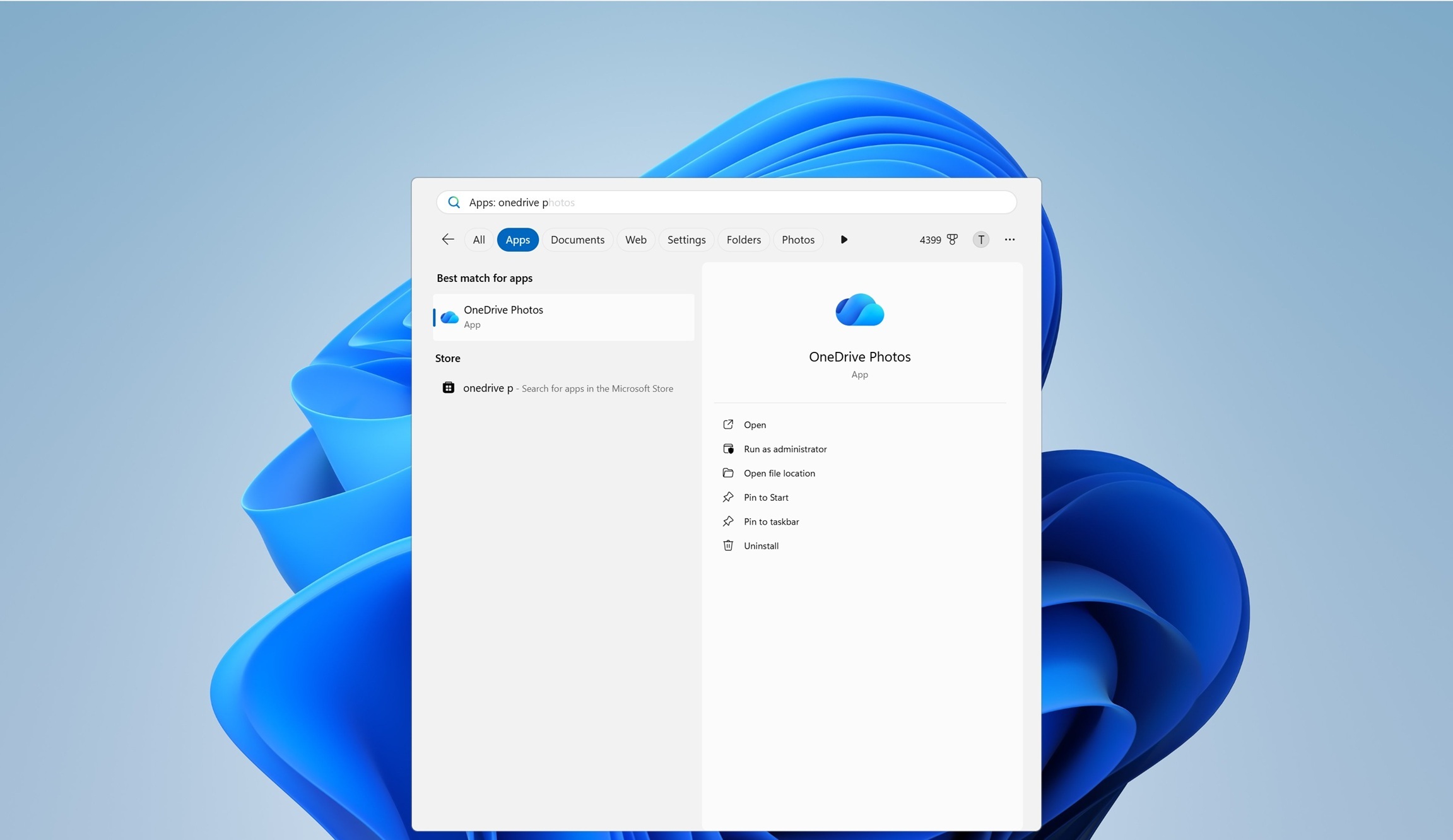
Mereo@piefed.ca to Technology@lemmy.worldEnglish · 26 days agoMicrosoft never learns, IT admins rage as a new OneDrive app invades Windows 11 and keeps coming back when you remove itwww.windowslatest.comexternal-linkmessage-square132fedilinkarrow-up1699arrow-down15
arrow-up1694arrow-down1external-linkMicrosoft never learns, IT admins rage as a new OneDrive app invades Windows 11 and keeps coming back when you remove itwww.windowslatest.comMereo@piefed.ca to Technology@lemmy.worldEnglish · 26 days agomessage-square132fedilink
minus-squareHal-5700X@sh.itjust.workslinkfedilinkEnglisharrow-up27·edit-226 days agoHow to turn off OneDrive with Group Policy. Press Windows + R, type gpedit.msc, and press Enter. Navigate to User Configuration > Administrative Templates > Windows Components > OneDrive. Save documents to OneDrive by default: Disabled Prevent OneDrive from generating network traffic until the user signs in to OneDrive: Enabled Prevent the usage of OneDrive for file storage: Enabled The last setting disables OneDrive on your system; make sure to change it to Disabled if you use OneDrive. Restart your computer for the changes to take effect.
minus-square𝕸𝖔𝖘𝖘@infosec.publinkfedilinkEnglisharrow-up19·26 days agoWon’t work for Win11 Home. But it’s MASterly easy to conver your Home to Pro or even Enterprise. MASterly easy.
minus-squareChaosMonkey@lemmy.dbzer0.comlinkfedilinkEnglisharrow-up12·edit-226 days agoNice pun but might as well link to it. It’s already MASsively popular.
minus-squarefrongt@lemmy.ziplinkfedilinkEnglisharrow-up15arrow-down1·26 days agohttps://github.com/massgravel/Microsoft-Activation-Scripts For the people on mobile without needle-like fingers.
minus-square_cnt0@sh.itjust.workslinkfedilinkEnglisharrow-up5arrow-down3·25 days ago needle-like fingers Right … you’re operating your touchscreen with your dick again, aren’t you?
minus-squareAlligatorBlizzard@sh.itjust.workslinkfedilinkEnglisharrow-up1·25 days agoWe’re on World right now, they kinda frown on that kinda thing here, might be why they didn’t link it.


How to turn off OneDrive with Group Policy.
Press Windows + R, type gpedit.msc, and press Enter. Navigate to User Configuration > Administrative Templates > Windows Components > OneDrive.
The last setting disables OneDrive on your system; make sure to change it to Disabled if you use OneDrive.
Restart your computer for the changes to take effect.
Won’t work for Win11 Home. But it’s MASterly easy to conver your Home to Pro or even Enterprise. MASterly easy.
Nice pun but might as well link to it. It’s already MASsively popular.
https://github.com/massgravel/Microsoft-Activation-Scripts
For the people on mobile without needle-like fingers.
Right … you’re operating your touchscreen with your dick again, aren’t you?
We’re on World right now, they kinda frown on that kinda thing here, might be why they didn’t link it.