Motherboard, CPU, GPU models and serial numbers. Ram size and speed. Those were used during Windows activation as old as windows 95. But likely yes, a full list of every component connected.
Your Android phone collects every WiFi network it has ever seen and sends it to Google, so we should assume Microsoft does the same (Android can locate you without GPS by using your neighbors’ WiFi signals as position identifiers, and can triangulate you to a few feet using the relative networks’ signal strengths)
Right, but you can assume google knows the imei and other hardware details, so they can probably link you to your identity on other platforms.
There is also the baseband issue. It is currently assumed that manufacturers could have access to snoop your LTE/5g and WiFi traffic, because the software running most phone baseband units is closed and not audited.
So you are probably private, but if you really want a phone with no Big Brother, you should get one from Pine64 or Jolla.
I’d love to. I bought an early pinephone and after about a day of trying to make it do basic functions I gave up. I’d LOVE to have a real Linux option but in my experiences so far we’re not there yet. I don’t see a better option than Graphene at the moment- it’s that solid.
Wait, what is the solution then? Genz are not going to settle on 10 yo laptop. They are going to buy new expensive AI-ready windows machine, replacing with Linux will do nothing privacywise? The only viable alt is to buy some obscure Linux laptop or old device? How old should it be anyway?
Oh, so to clear up confusion - switching to Linux destroys the local storage of the GDID, and Linux has generally much better privacy (to the degree the OS is involved - browser privacy is a related subject). However, it doesn’t undo the past - if you previously signed in with your MS account on that system, Microsoft will have that record in perpetuity.
Best solution would be to wipe any system you acquire without ever signing in to Microsoft. While switching to Linux will not change any of the components serial numbers that Microsoft has, you will at least not be actively associating most of your web activity with your M$ account.
Tangent - if you’re gonna do shady stuff, use VMs or TailsOS.
I would have used WiFi on my phone perhaps two or three times in the last year. My home does have a router, because we’re dinos, but most new houses don’t since everyone has a smartphone anyway.
Please note: I didn’t say you had to connect to these networks. This happens as a background process unless you do a ritual to shut off location services and actively work to keep it off. Most people do not know/care to do this. And even if it’s off in settings, some apps have the permission to temporarily override this (and will ask you once to grant it such permission and then have that permission for the lifetime of the app). And regardless of which app overrides said setting, Google gets a copy of whatever the background scan finds (for all Android phones that have the Play store installed, which is most of them).
I use WiFi at home and friends. I use cellular for work and travel (usually between home and friends). I’m glad you have a simple enough arrangement that it’s worthwhile to manage it by hand.
Further, in recent versions of Android, factory settings are set to automatically turn WiFi back on if turned off - plus there’s several methods to indirectly turn WiFi back on (https://thedroidguy.com/stop-android-turning-wifi-on-automatically-1261625). This is that dark patterns thing. Getting people to do what you want by being frictionless with your preferred options and ‘polite’ but obstinate about options you wish to steer people away from.
This is the part I don’t understand. Mobile data would work in your houses too, right?
Further, in recent versions of Android, factory settings are set to automatically turn WiFi back on if turned off
I haven’t seen this happen, but I use MIUI (Xiaomi’s Android ROM) which tends to be aggressive in limiting battery use. It will actually cut hotspot if unused for a few minutes.
This is the part I don’t understand. Mobile data would work in your houses too, right?
Actually, first - ironically mobile coverage is terrible right at my new home since I moved. Great about 200 yards from home and most everywhere I go, but there’s a weird blind spot at my address specifically.
Second, Most mobile data plans are 30-80 Mbps†, most home WiFi plans are 300 Mbps-1Gbps†. WiFi isn’t just faster, it’s a lot faster.
† your milage may vary, these are based on my experience
Finally, again this is another case of maybe I’m weird, but my friends and I are into retro gaming, and self-hosting and both of those have LAN-specific options that only work within the WiFi and home network.


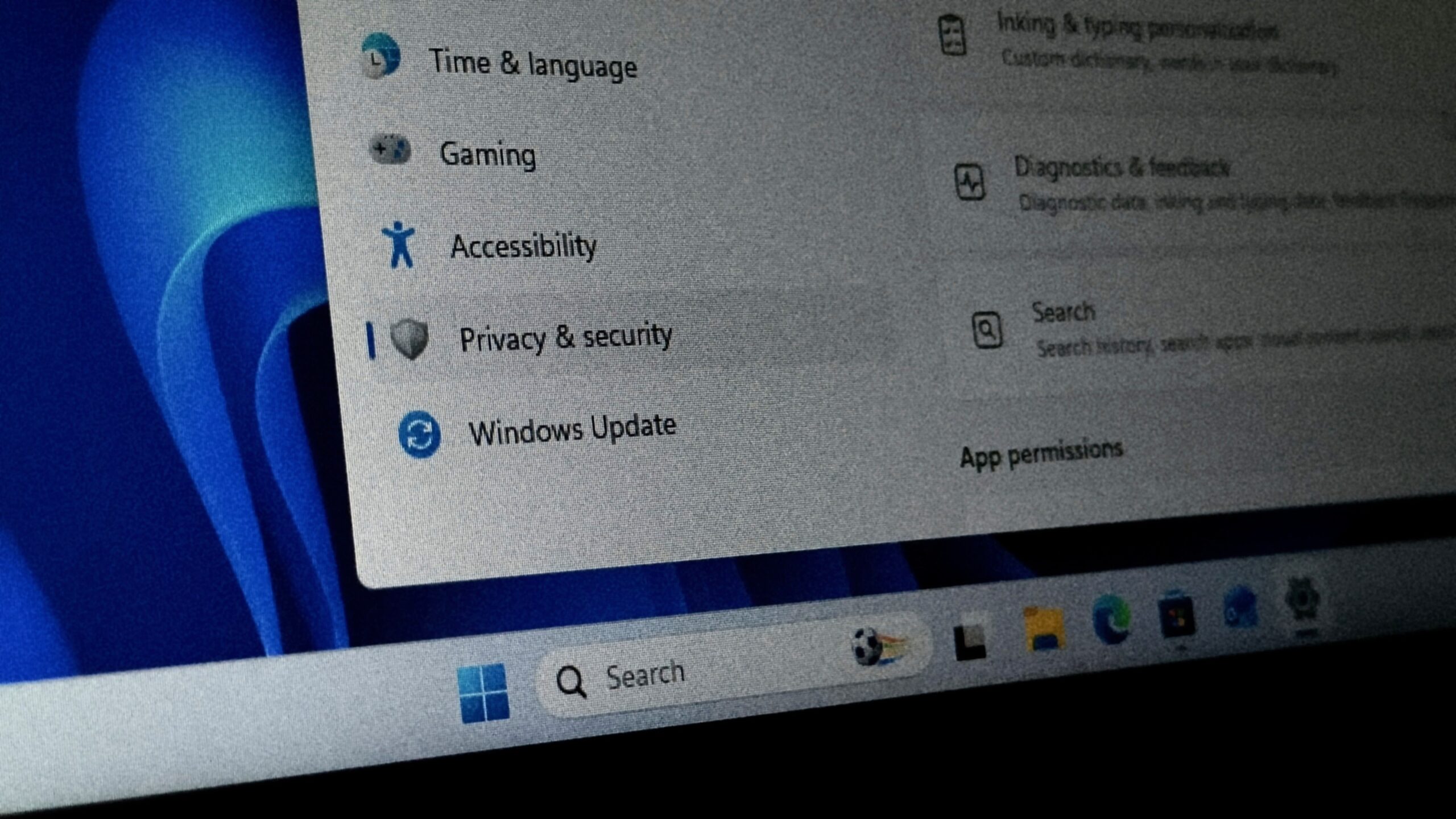
My laptop came with Win11, I’ve removed that drive a few months ago and replaced it with Mint.
Does this mean MS has my motherboard, WiFi, other hardware identifiers that would still tie that laptop to their database?
Yup!
Motherboard, CPU, GPU models and serial numbers. Ram size and speed. Those were used during Windows activation as old as windows 95. But likely yes, a full list of every component connected.
Your Android phone collects every WiFi network it has ever seen and sends it to Google, so we should assume Microsoft does the same (Android can locate you without GPS by using your neighbors’ WiFi signals as position identifiers, and can triangulate you to a few feet using the relative networks’ signal strengths)
GrapheneOS babyyyyy
Cannot wait for the Motorola/GrapheneOS collab phones.
And if you dont have Pixel, try /e/os, SailfishOS, Mobian, PostmarketOS or anything other than vendor Android.
Um… You’re aware that your pixel was known to google before you graphened it?
Never knew a google account, so it was known to Google but not to me. … but while on the topic, know of a better option?
Jolla Phone is just starting to ship
https://youtu.be/lY-Ar0iY1_8
Promising…
Right, but you can assume google knows the imei and other hardware details, so they can probably link you to your identity on other platforms.
There is also the baseband issue. It is currently assumed that manufacturers could have access to snoop your LTE/5g and WiFi traffic, because the software running most phone baseband units is closed and not audited.
So you are probably private, but if you really want a phone with no Big Brother, you should get one from Pine64 or Jolla.
I’d love to. I bought an early pinephone and after about a day of trying to make it do basic functions I gave up. I’d LOVE to have a real Linux option but in my experiences so far we’re not there yet. I don’t see a better option than Graphene at the moment- it’s that solid.
Yes, I agree. We might not have rock-solid solutions, but less google is better.
I keep a oneplus 6t just to test Linux phone options.
Wait, what is the solution then? Genz are not going to settle on 10 yo laptop. They are going to buy new expensive AI-ready windows machine, replacing with Linux will do nothing privacywise? The only viable alt is to buy some obscure Linux laptop or old device? How old should it be anyway?
Oh, so to clear up confusion - switching to Linux destroys the local storage of the GDID, and Linux has generally much better privacy (to the degree the OS is involved - browser privacy is a related subject). However, it doesn’t undo the past - if you previously signed in with your MS account on that system, Microsoft will have that record in perpetuity.
Best solution would be to wipe any system you acquire without ever signing in to Microsoft. While switching to Linux will not change any of the components serial numbers that Microsoft has, you will at least not be actively associating most of your web activity with your M$ account.
Tangent - if you’re gonna do shady stuff, use VMs or TailsOS.
Possibly, but how often do you use WiFi on a phone?
Basically whenever I’m at home or a relative’s house?
But why? Mobile networks are very fast nowadays. And how many homes still have routers?
…are you joking?
I would have used WiFi on my phone perhaps two or three times in the last year. My home does have a router, because we’re dinos, but most new houses don’t since everyone has a smartphone anyway.
fast ≠ widespread or consistent. mobile data tends to have excruciatingly low upload speeds (at least in my region)
Ah, then it makes sense.
Please note: I didn’t say you had to connect to these networks. This happens as a background process unless you do a ritual to shut off location services and actively work to keep it off. Most people do not know/care to do this. And even if it’s off in settings, some apps have the permission to temporarily override this (and will ask you once to grant it such permission and then have that permission for the lifetime of the app). And regardless of which app overrides said setting, Google gets a copy of whatever the background scan finds (for all Android phones that have the Play store installed, which is most of them).
Am I the only person who switches off the WiFi after use? I thought that was common advice to save battery.
I use WiFi at home and friends. I use cellular for work and travel (usually between home and friends). I’m glad you have a simple enough arrangement that it’s worthwhile to manage it by hand.
Further, in recent versions of Android, factory settings are set to automatically turn WiFi back on if turned off - plus there’s several methods to indirectly turn WiFi back on (https://thedroidguy.com/stop-android-turning-wifi-on-automatically-1261625). This is that dark patterns thing. Getting people to do what you want by being frictionless with your preferred options and ‘polite’ but obstinate about options you wish to steer people away from.
This is the part I don’t understand. Mobile data would work in your houses too, right?
I haven’t seen this happen, but I use MIUI (Xiaomi’s Android ROM) which tends to be aggressive in limiting battery use. It will actually cut hotspot if unused for a few minutes.
Actually, first - ironically mobile coverage is terrible right at my new home since I moved. Great about 200 yards from home and most everywhere I go, but there’s a weird blind spot at my address specifically.
Second, Most mobile data plans are 30-80 Mbps†, most home WiFi plans are 300 Mbps-1Gbps†. WiFi isn’t just faster, it’s a lot faster. † your milage may vary, these are based on my experience
Finally, again this is another case of maybe I’m weird, but my friends and I are into retro gaming, and self-hosting and both of those have LAN-specific options that only work within the WiFi and home network.
If it was registered, probably. They use a mixture of that to allow re-enabling the same license on the same hardware.